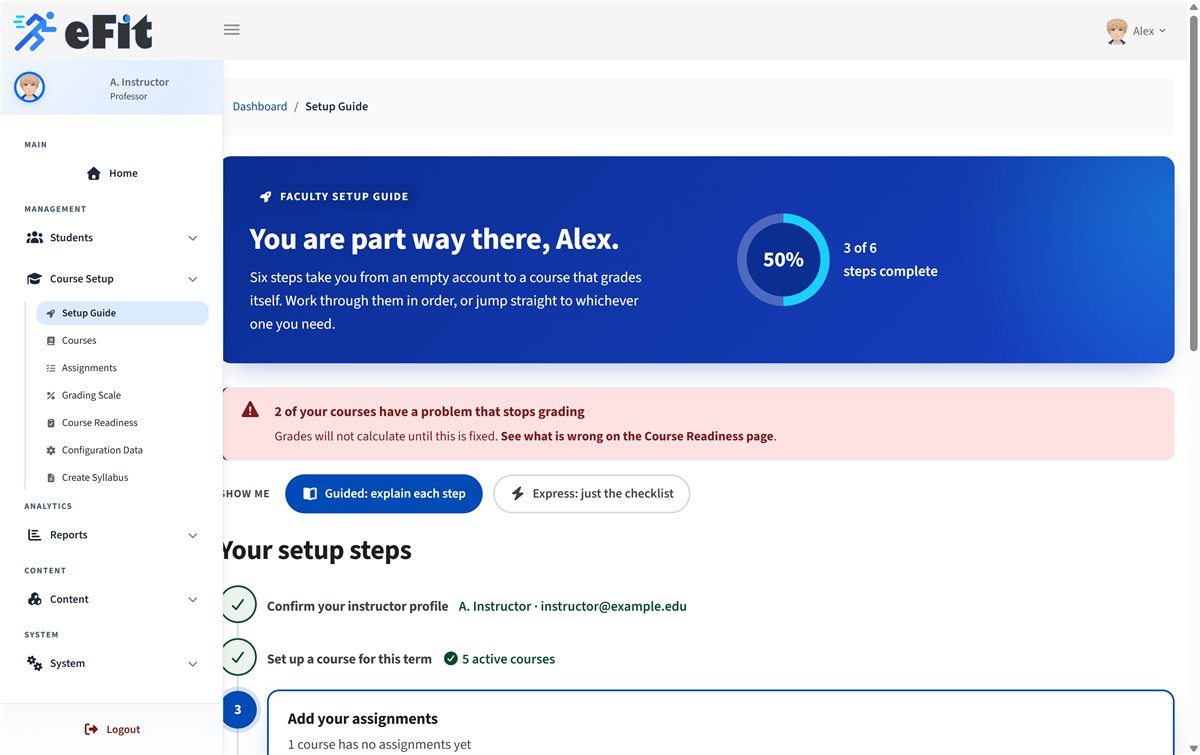
In eFit a course is a single section. If you teach three sections of the same class, you create three courses. Each one gets its own registration link, its own assignments, and its own gradebook.
Create the course
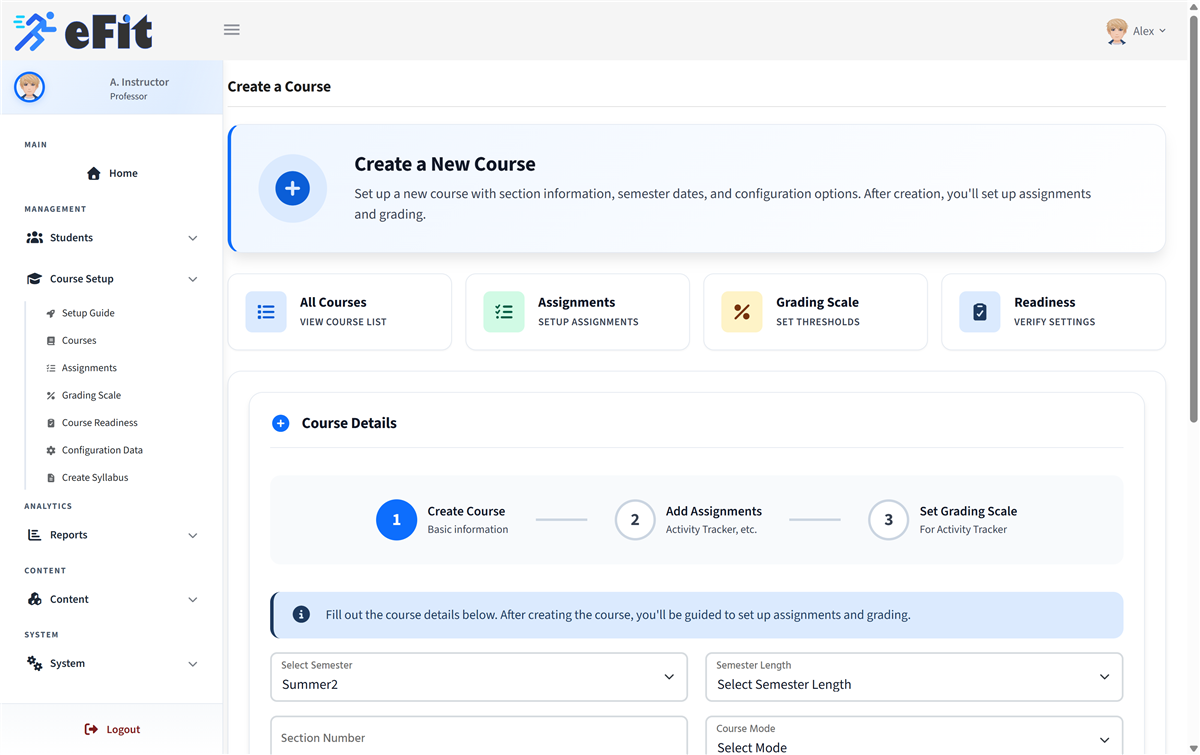
- Go to Course Setup > Courses and choose Add New Course.
- Fill in the department, course number, course name and section number.
- Choose the semester, semester length and year.
- Set the semester start and end dates. These bound everything else, so get them right.
- Choose Online or Face-to-face.
What happens next
Creating the course also gives you a registration link. That link is the only way students can join this particular section, so keep it somewhere you can find it. See Share your registration link and enrol students.
A new course has no assignments yet, which means it cannot grade anyone. The next step is Add the Activity Tracker and other assignments.
If your school uses Auto Setup
Some institutions see an Auto Setup option on the course form. Choosing Yes creates all three assignments, works out sensible dates from your semester, and seeds a default grading scale in one go. You can still adjust anything afterwards.
Track your progress
Your Setup Guide shows the same steps with your own progress filled in, and links straight to whatever is still missing. It updates itself as you go.